Orbit for Windows and Mac
Download the desktop app, allow it through SmartScreen or Gatekeeper, sign in.
Demo site: the buttons open a demo download dialog and nothing is installed on your device.
InstallVideoPair with a codeTroubleshootingRequirements
Install
Download
Go to orbit.example/download and choose Windows or macOS (Intel or Apple silicon).
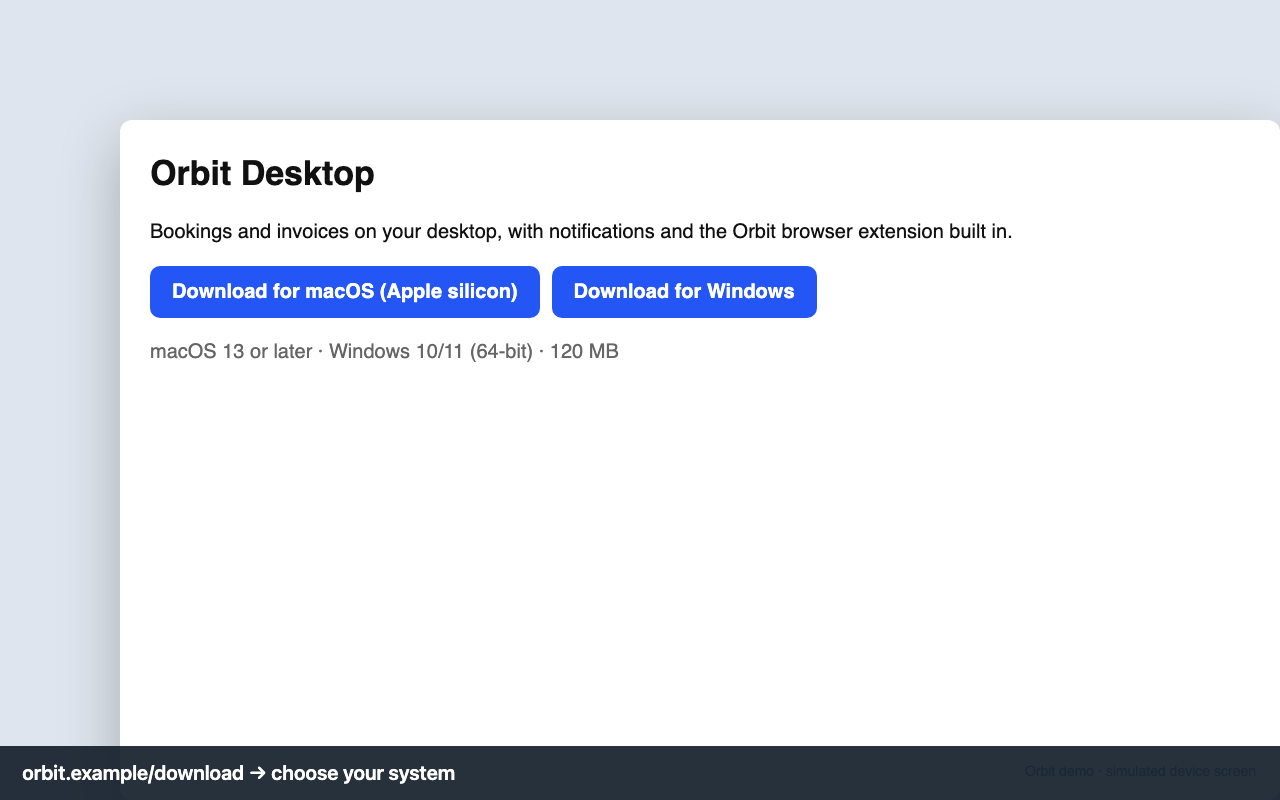
Download page Install
Windows: run OrbitSetup.exe. If SmartScreen appears, click More info → Run anyway (the installer is signed by Orbit Software Inc.). Mac: open the .dmg and drag Orbit to Applications; if macOS says it can't verify the developer, right-click → Open.
Sign in
Use your email and password, or Sign in with code from Settings → Apps.
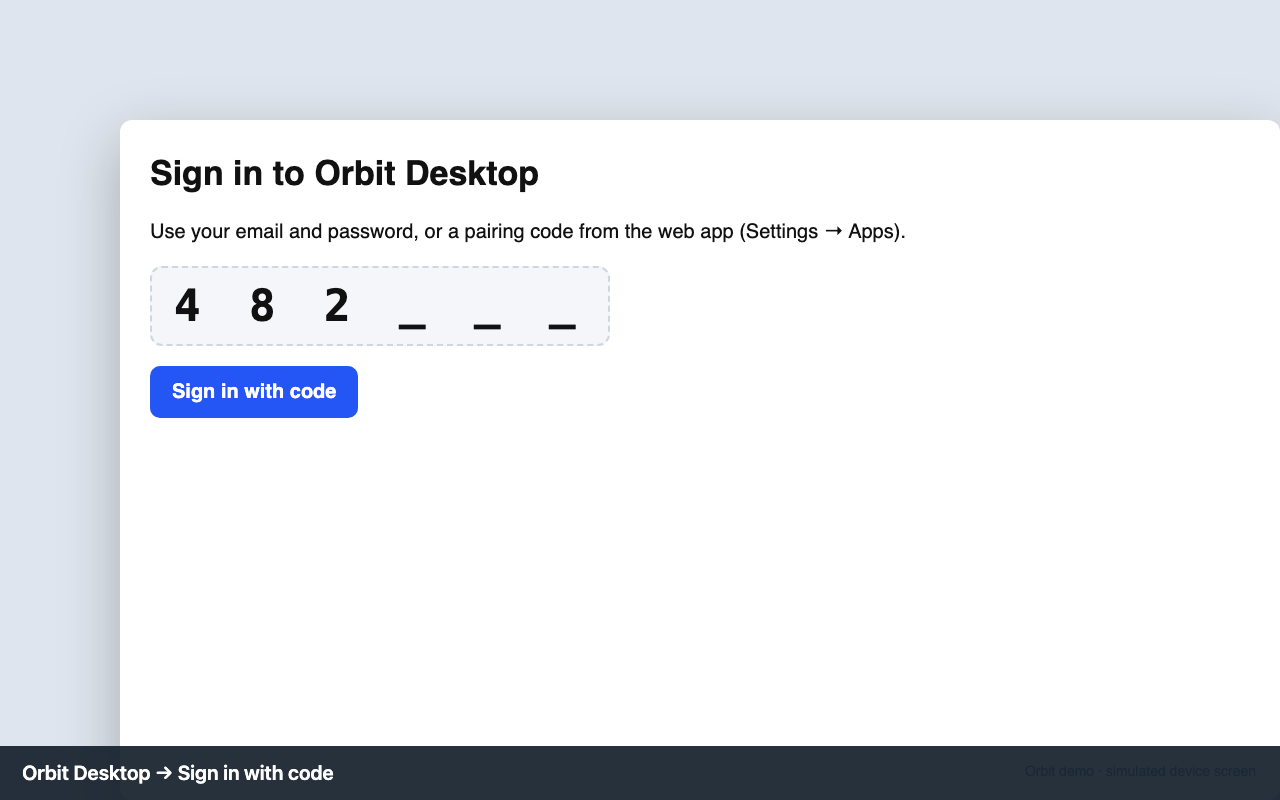
Desktop: Sign in with code
Video guide
Sign in with a pairing code
The app has no password screen on TVs: you pair it with a 6-digit code.
Get a code
In the Orbit web app open Settings → Apps and click Generate pairing code (choose the device type). The code works for 10 minutes.
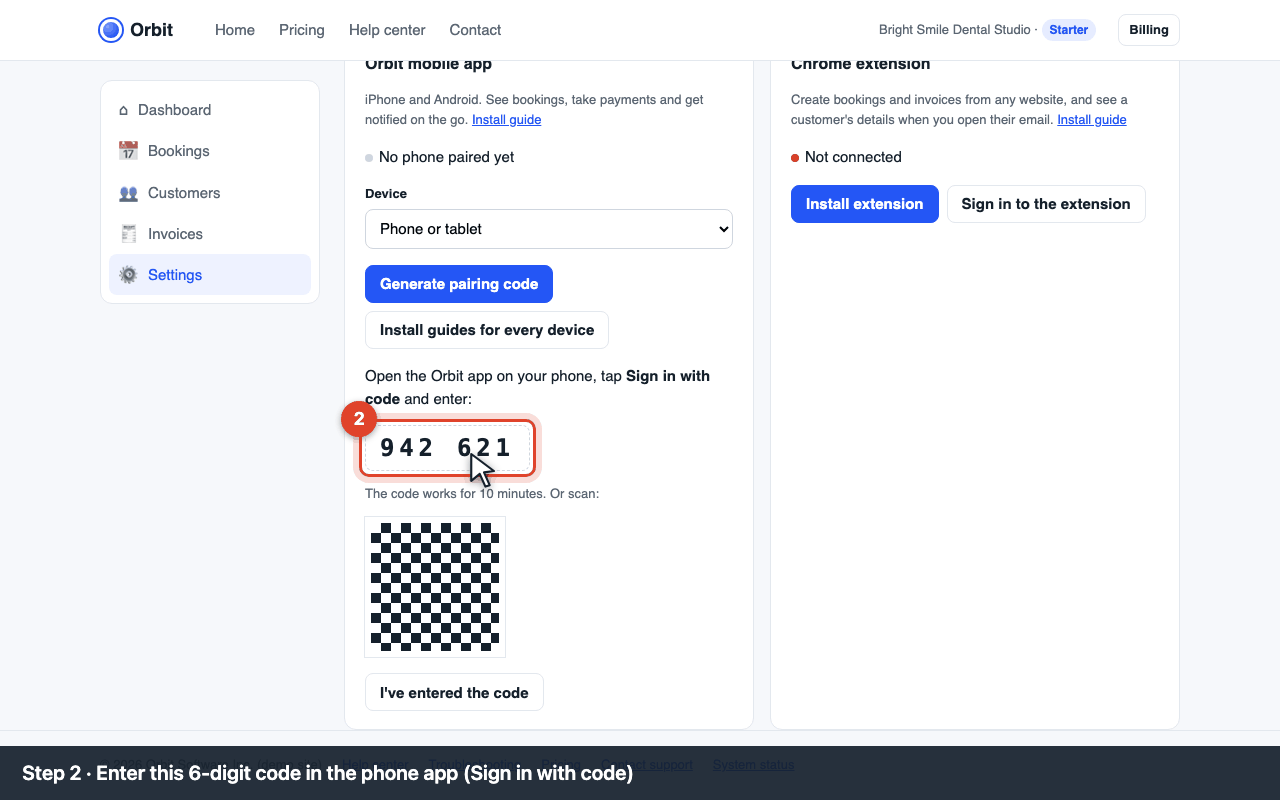
Settings → Apps: the 6-digit pairing code Enter it on the device
Open Orbit on the device, choose Sign in with code and type the 6 digits with the remote or keyboard.
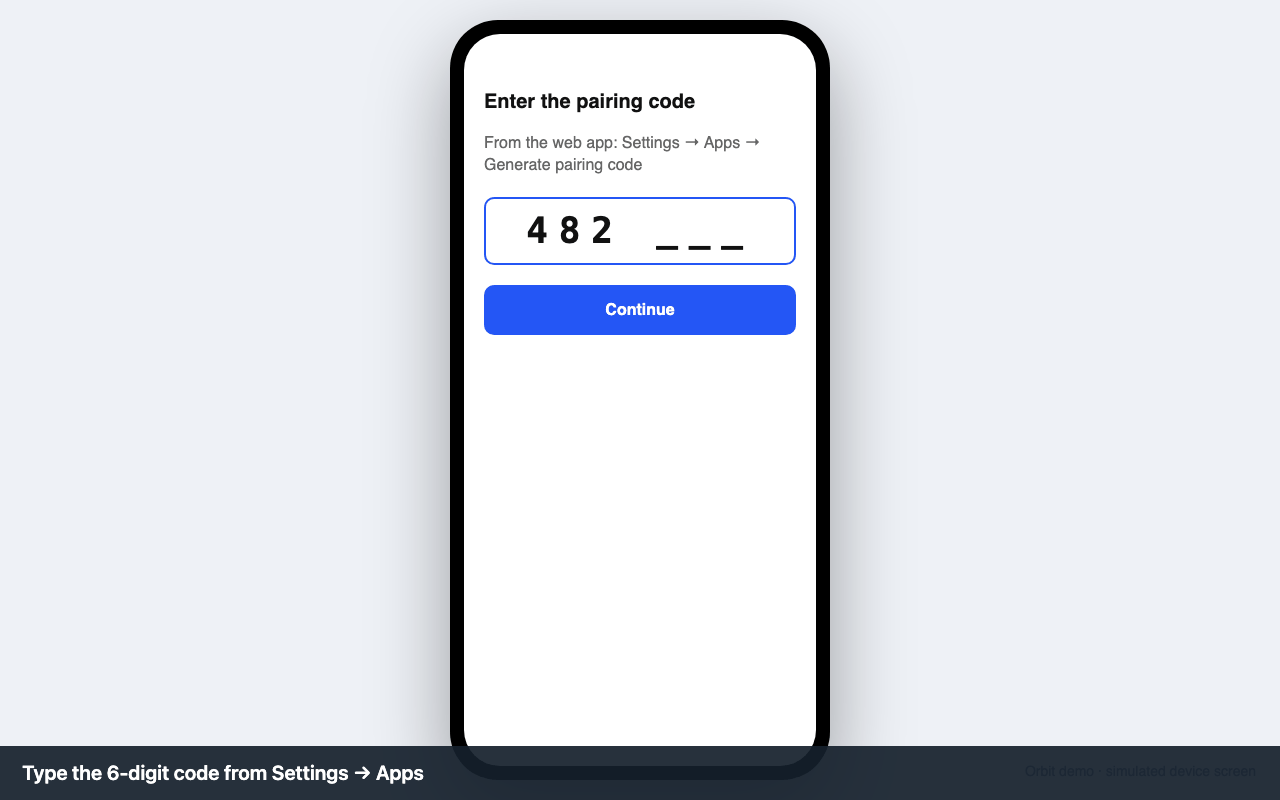
The device's Sign in with code screen Confirm
Back in the web app click I've entered the code. The device shows your dashboard and the Apps tab shows it as paired.
Troubleshooting
| Code | What you see | Fix |
|---|---|---|
| E-APP-160 | Windows SmartScreen: “Windows protected your PC” / Mac: “can't be opened because Apple cannot check it” | Windows: More info → Run anyway. Mac: System Settings → Privacy & Security → Open Anyway, or right-click the app → Open. Check the publisher reads Orbit Software Inc. |
| E-APP-150 | “This app can't run on your PC” / “requires macOS 13” | Windows needs 64-bit Windows 10 or 11; macOS 13 Ventura or newer. Older Macs can use Orbit in the browser. |
| E-APP-110 | Pairing code expired | Codes last 10 minutes. Generate a new one in Settings → Apps and enter it within 10 minutes. |
| E-APP-111 | Pairing code not recognized | Check the digits (0 vs O, 1 vs 7) and that the web app is signed in to the right Orbit account. Only Owners and Admins can pair devices. |
| E-APP-140 | Can't sign in with email and password | On TVs use Sign in with code instead; passwords with special characters are hard to type with a remote. If you use two-factor authentication, the code sign-in skips it. |
| — | Antivirus quarantined the installer | Restore it and add an exception for OrbitSetup.exe, or download again from orbit.example/download. |
System requirements
Windows 10/11 (64-bit) or macOS 13 or newer · 300 MB free